
Offline First
Record and manage attendance without depending on a continuous internet connection.
Offline attendance management
Mark attendance with one tap, organize programs and sessions, and keep records on your device — even when you don't have an internet connection.


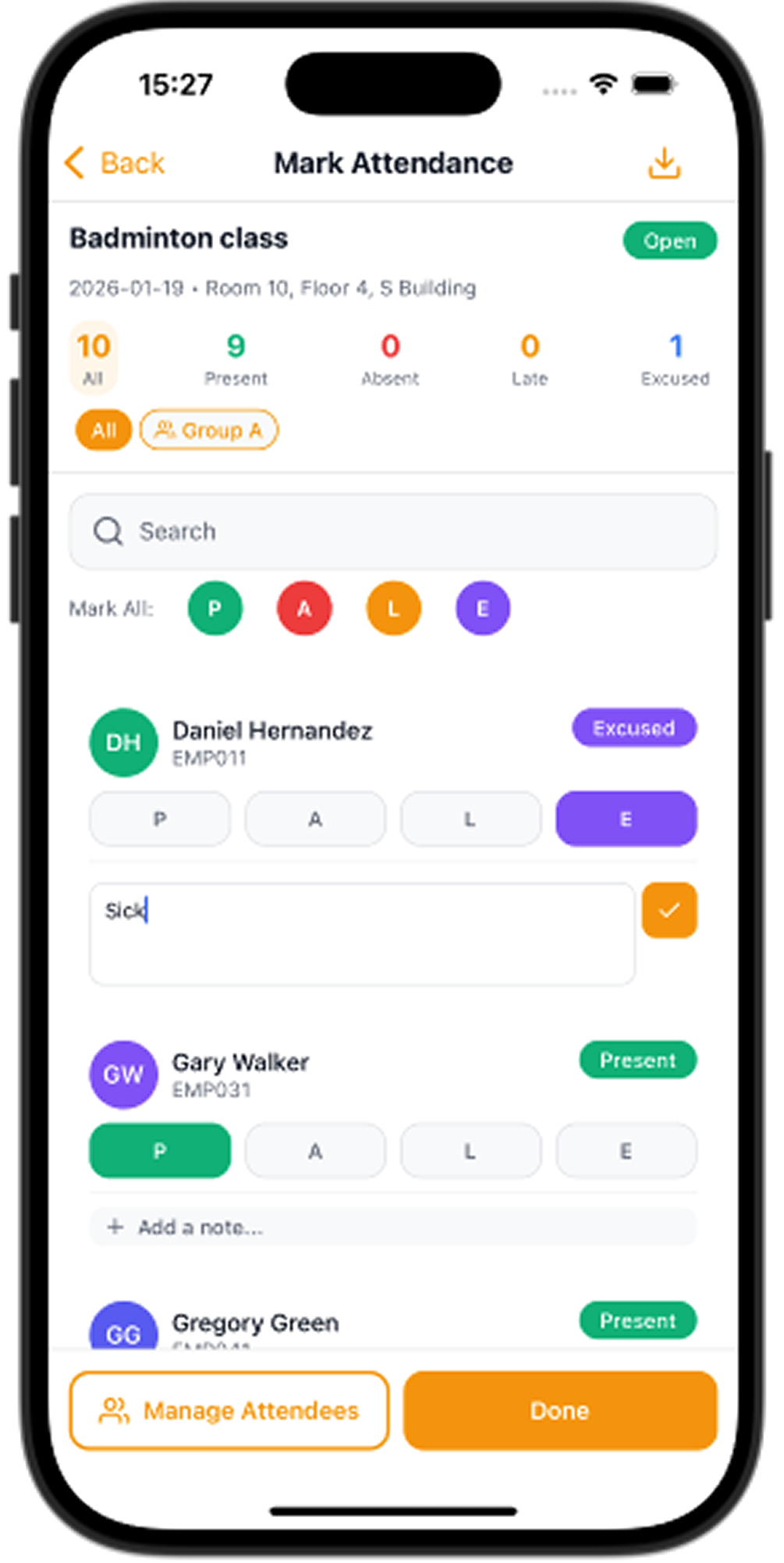
Works Offline
Attendance without a live connection.
One-tap Marking
Present, absent, late, excused, or leave.
Programs & Sessions
Recurring schedules on your device.
Attendance Management
Keep lists and records on device.
The problem
Internet may be unavailable or unreliable — in classrooms, training rooms, workshops, or event venues.
Attendance often needs to be recorded quickly as people arrive. Manual paper processes can take unnecessary time and are easy to lose track of.
Attendance Tracker Offline lets you mark people with a tap, keep programs and sessions on the device, and export reports when you need them — even offline.
Features
Record and manage attendance without depending on a continuous internet connection.
Open a session and tap each person present, absent, late, excused, or on leave.
Create programs with schedules and recurring sessions so attendance stays organized over time.
Maintain the people you need to track for your attendance sessions.
Keep attendance information available locally on your device.
Import attendee lists and optionally export attendance and sessions to a spreadsheet you own.
How it works
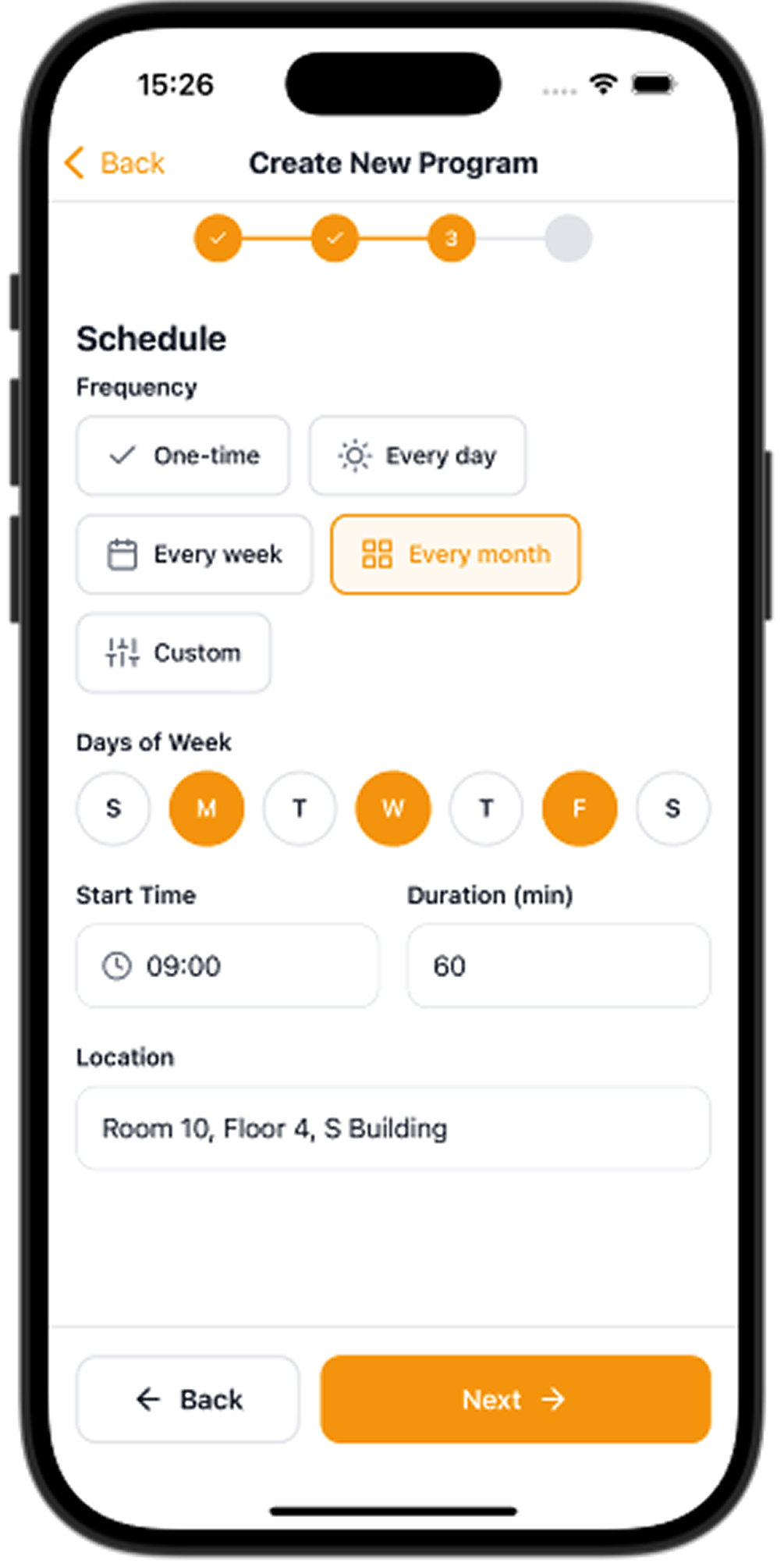
01
Add attendees and define the schedule you need to track.
02
Tap each attendee to set present, absent, late, excused, or leave.
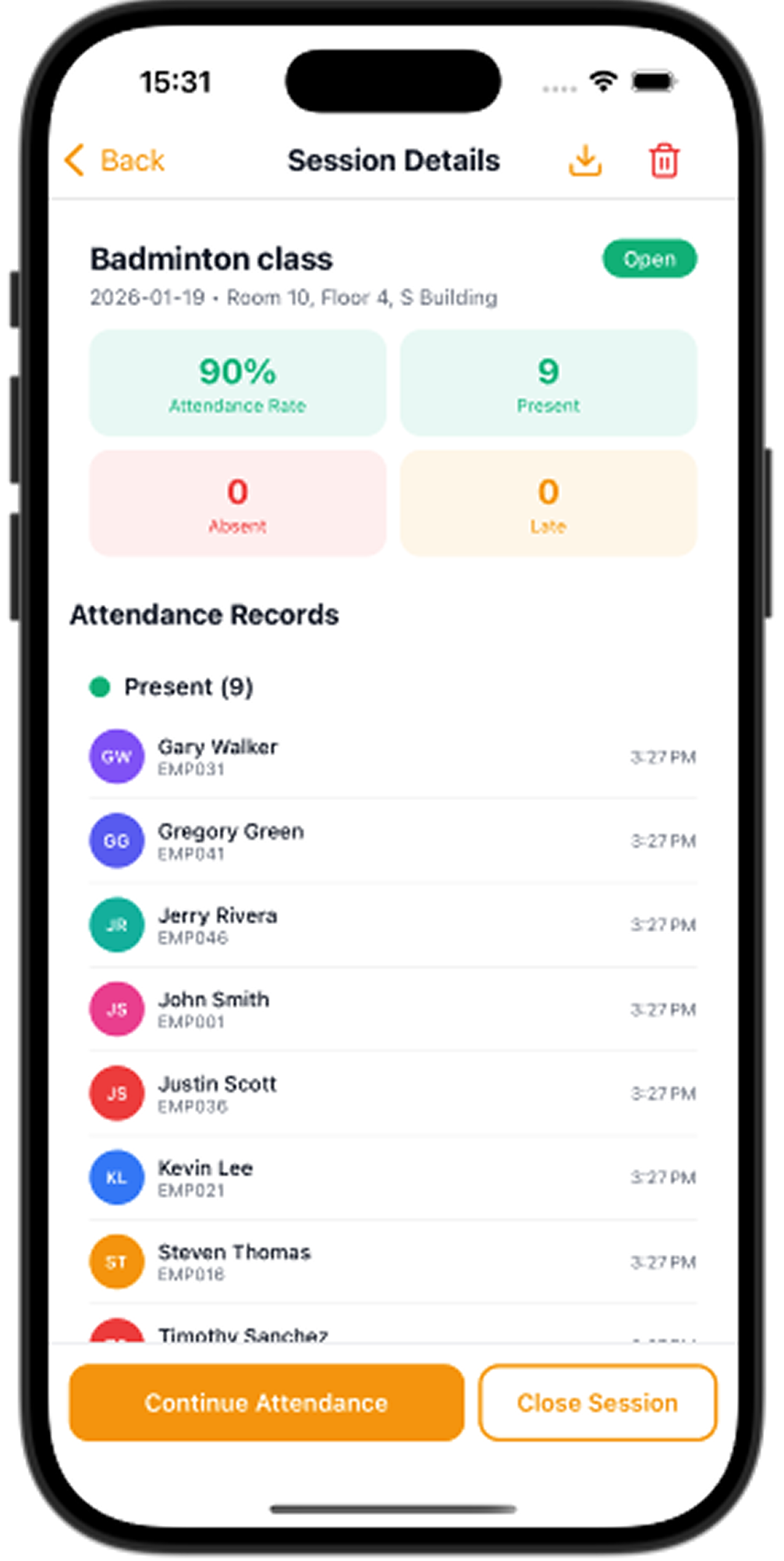
03
Check records on the device and export Excel, PDF, or Google Sheets when you need them.
Use cases
Keep classroom attendance simple and practical.
Record attendance during training sessions and courses.
Track participants during workshops without depending on connectivity.
Record attendance quickly when people arrive.
Manage attendance for small groups and recurring sessions.
Keep attendance records for internal training activities.
Product
Set a schedule, time, and location for recurring sessions.
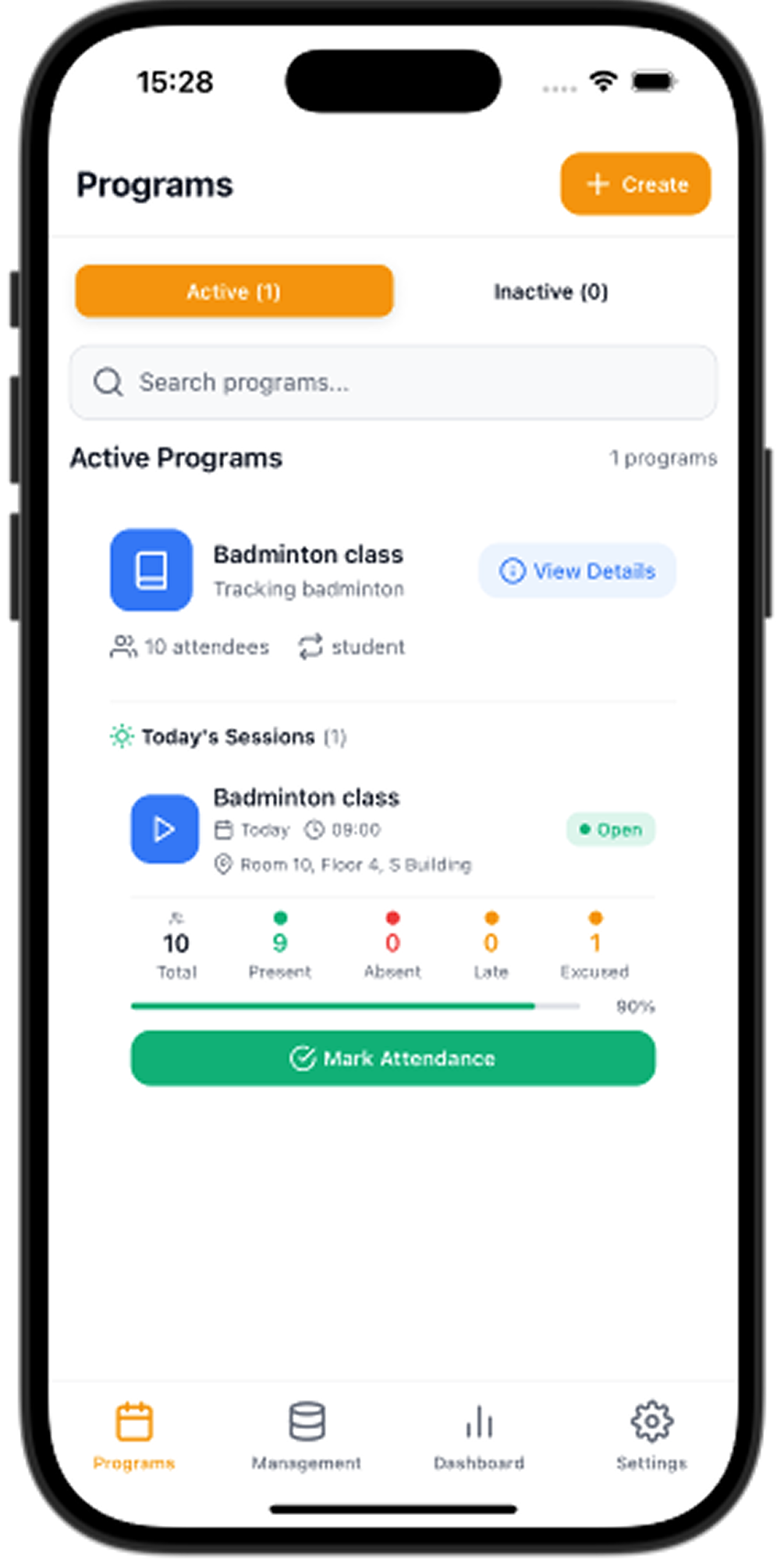
Open a session from the program list when class starts.
Tap a status for each person, or mark the whole list at once.
Review who was present and close the session when you are done.
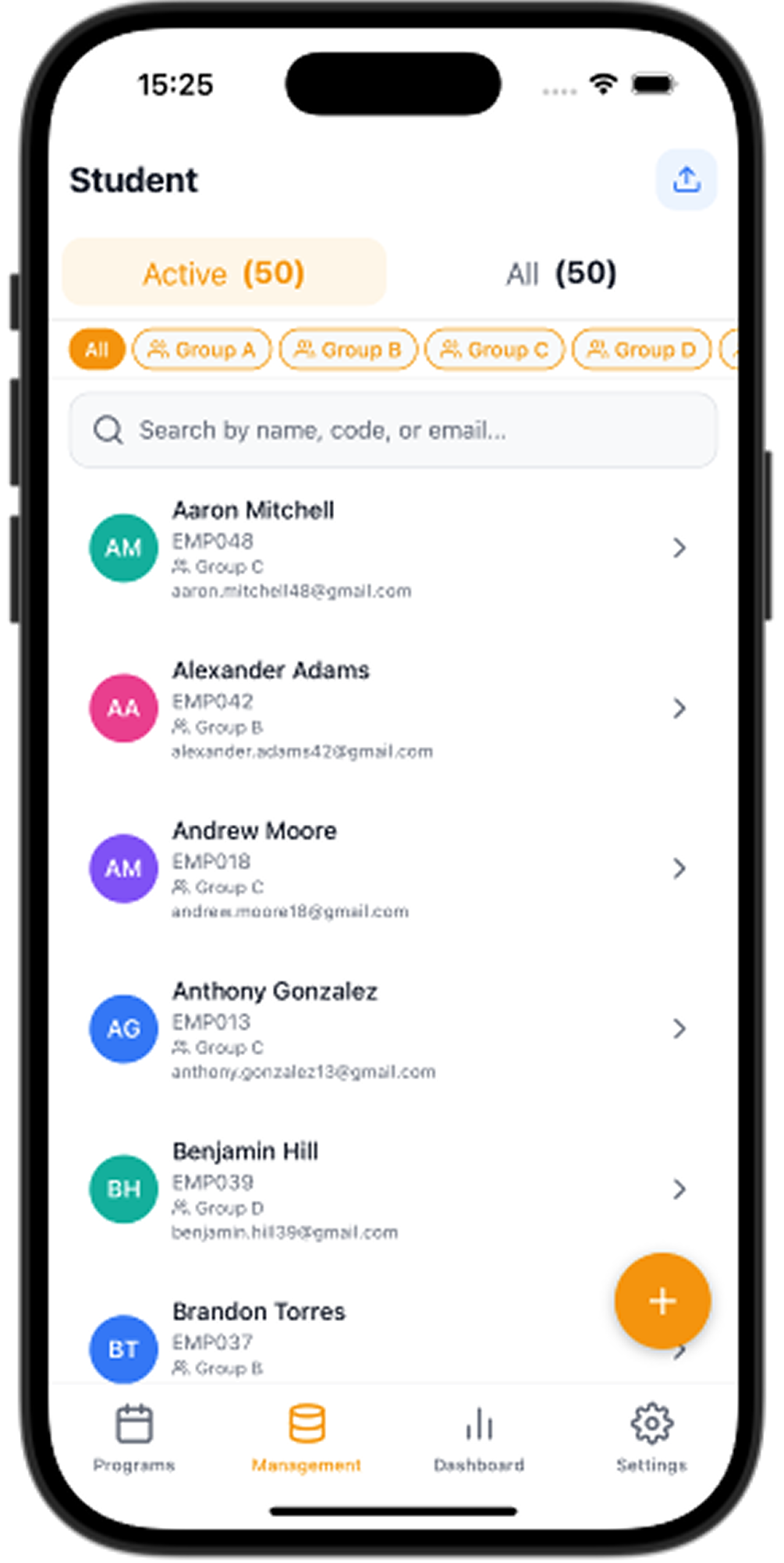
Keep your roster organized with groups and search.
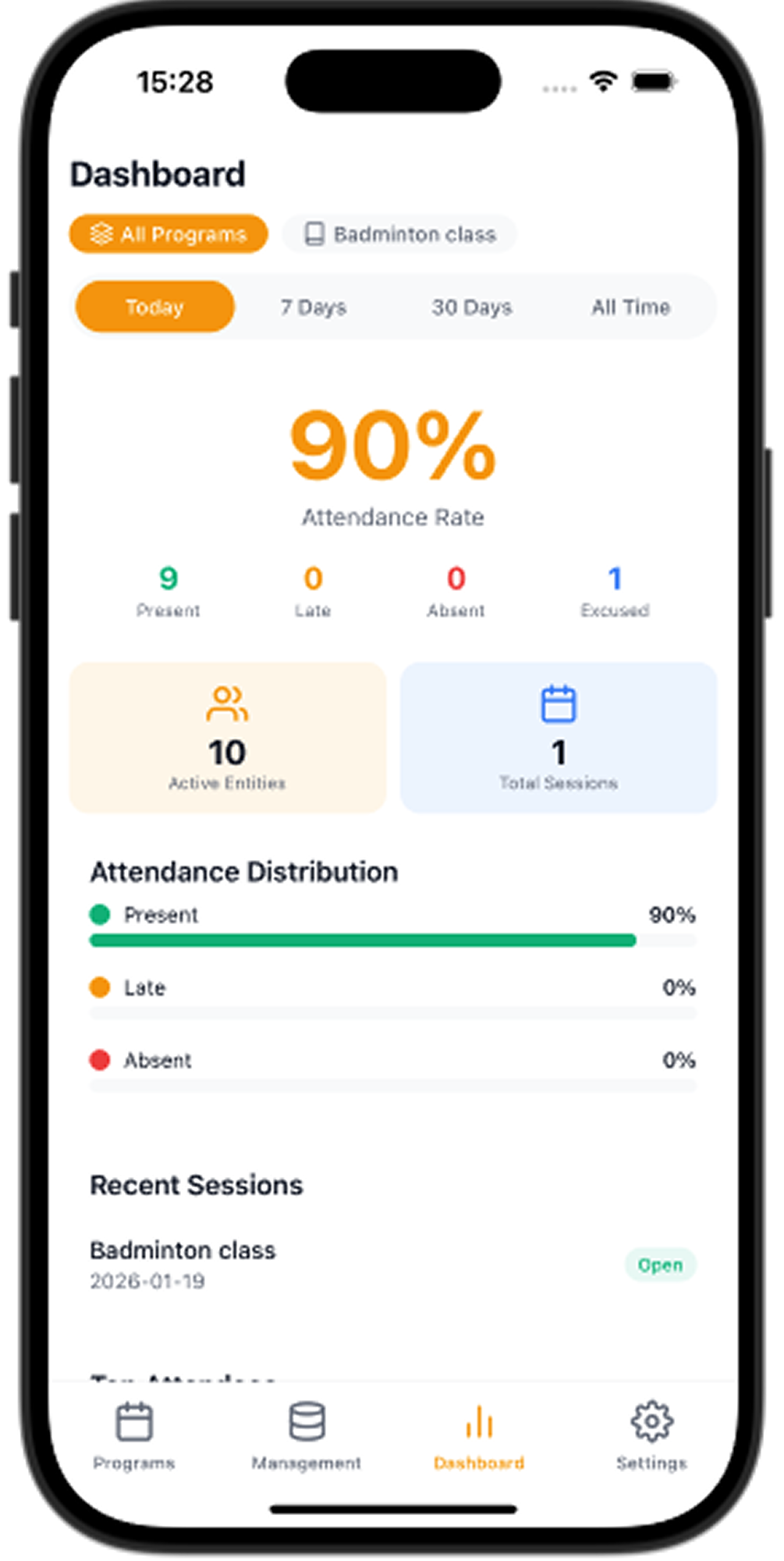
See attendance rate, counts, and recent sessions at a glance.
Optional workflow
Import attendee lists from a spreadsheet you own, and optionally export attendance and session records back to Google Sheets. Sharing the sheet with the app’s service account is required only for this optional workflow.
Google Sheets is optional. The core attendance workflow is designed to work offline.
Download App
Google account
Attendance Tracker Offline works fully offline without an account. If you choose to sign in with Google, the app asks for one permission only: access to Google Drive files and spreadsheets that the app itself creates or that you open with it (the drive.file scope). It cannot see your other Drive files. We use this access solely to create, import from, and export attendance data to your own Google Sheets, on your request. Your Google data stays in your Google account and is never sold or used for advertising. You can revoke access at any time in your Google Account permissions. See our Privacy Policy for details.
FAQ
Record attendance faster and keep your workflow available offline.